
A post-launch IDX exception routine for US brokerages
May 26, 2026
8 min read
The listing is live in the MLS. The seller has the brokerage site open. The agent is halfway through a showing day. Then the call comes in: “Why is the property not on our website?”
Sometimes the page is missing. Sometimes it’s there, but the status is wrong, the lead photo is old, the co-listing agent has vanished, or another version of the same property sits beside it. The easy answer is to blame the feed.
That answer is usually too vague to fix anything.
For a newer agent, IDX is the agreement and data setup that lets MLS listings appear on broker and agent websites. The public page might look like a simple property card, but several things have to line up behind it: the MLS source record, display permissions, status, media, field mapping, attribution, update timing, and the website template itself.
When one of those parts fails, the useful question is not “is the IDX broken?” It is “what exception are we looking at, and who owns the next correction?”

Treat the public page as evidence, not the source of truth
The public IDX page is where the problem gets noticed. It shouldn’t be where the investigation starts.
Start with the source record and work outward. If the MLS record says the property is active, has internet display enabled, carries the correct broker attribution, and has the current media set, then the team can look at feed timing or website display. If the MLS record is missing one of those things, the website is only reflecting a source problem.
That distinction saves time. It stops the office from sending a loose “website issue” message to the wrong person while the seller waits and the agent refreshes the page every 10 minutes.
IDX vendors point to the same practical pattern. IDX Broker’s guide to troubleshooting missing listings starts with questions like whether the property is active, set for internet display, tied to the right agent ID, or still waiting for an update cycle. Those are operational checks before they are software checks.
The same logic applies if a brokerage has MLS integration software, an IDX integration for Realtors, or a custom website build. A cleaner connection still can’t guess whether a listing should be public or whether a field is allowed to display in that market.
Build a small exception log
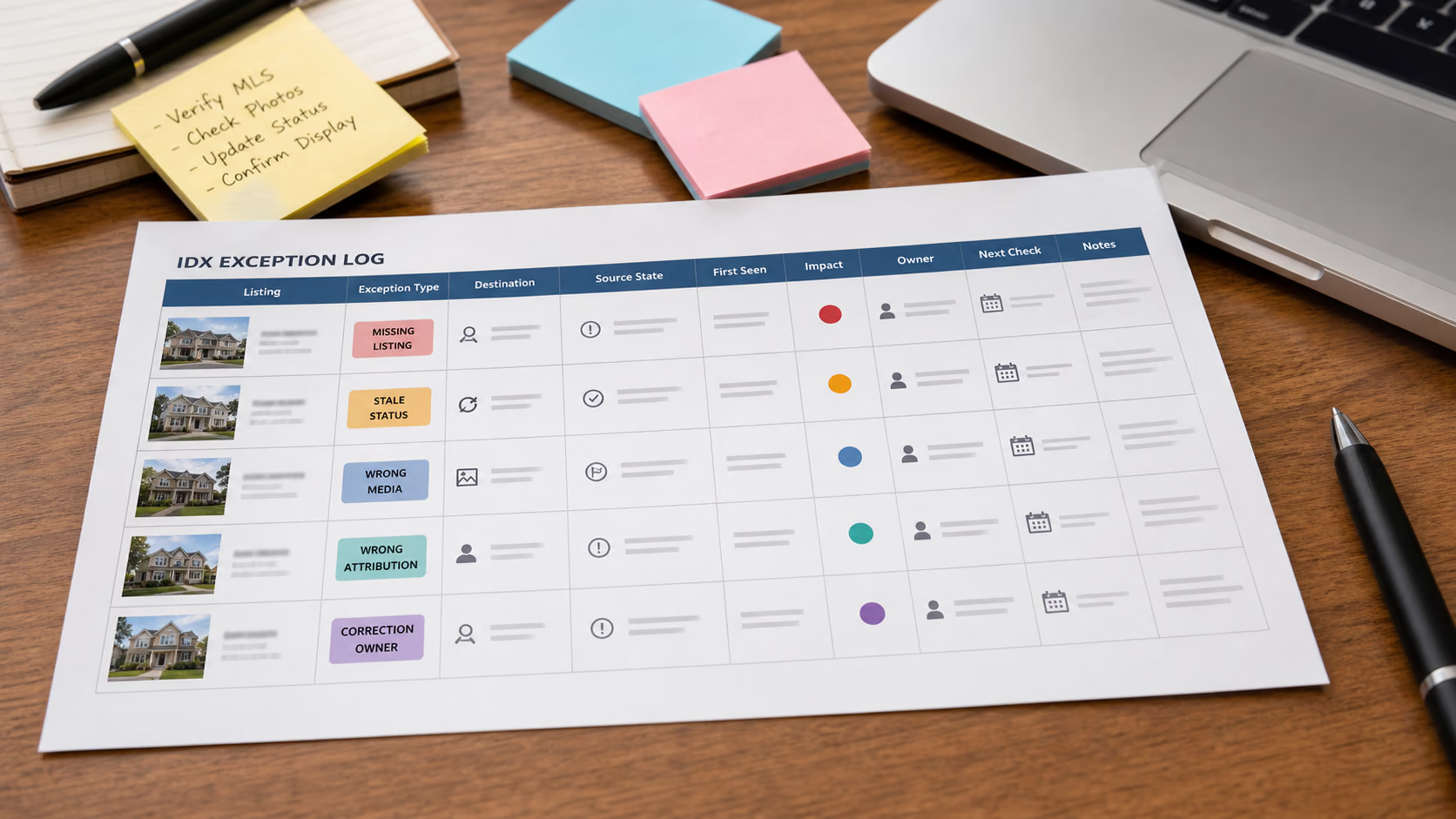
Don’t let IDX issues live in texts, inboxes, vendor tickets, and one person’s memory. Create a short exception log.
Use these fields:
| Field | What to capture |
|---|---|
| Listing | Address, MLS number, and internal listing record link |
| Exception type | Missing, stale, duplicated, wrong media, wrong field, wrong attribution, wrong status |
| Public destination | Brokerage site, agent site, office page, featured widget, map search, or saved-search email |
| Source MLS state | Active status, display permission, listing agent, broker attribution, media count, last update |
| First seen | Date, time, and who reported it |
| Impact | Seller-visible, buyer-visible, agent-only, or low risk |
| Owner | Agent, admin, broker, MLS contact, website vendor, or IDX provider |
| Next check time | When someone will confirm whether the correction has appeared |
| Resolution note | What changed, where, and when |
The point is to avoid a day of circular messages: “Can you check if it is fixed?” “Fixed where?” “Which page?” “Who changed it?”
In AvaroAI, the investigation can sit against the listing record rather than a detached spreadsheet. The listing already carries the property data, status history, notes, documents, photos, and tasks. Teams can add custom fields for exception type, MLS source, destination, owner, and unresolved correction state, then filter the list before the morning meeting.
That matters because IDX exceptions aren’t all equal. A stale sold status needs different handling from a low-priority photo order mismatch on an internal featured widget.
Sort the exception before opening a vendor ticket
The fastest same-day routine is to classify the issue before deciding who should touch it.
| What the public page shows | First checks | Likely owner |
|---|---|---|
| Listing is missing | MLS number search, address search, active status, internet display permission, agent ID, co-listing setup, update timing | Agent or admin first, vendor only after source checks pass |
| Listing is stale | MLS status, last source edit, last feed update, cached page or widget | Admin, then website or IDX provider |
| Listing is duplicated | Multiple MLS coverage, relisted property, changed MLS number, duplicate featured setting | Admin or broker operations |
| Wrong lead photo | MLS media order, approved gallery, website featured image setting, cache | Agent or admin |
| Wrong field display | MLS field value, local display rules, field mapping, custom website label | Admin, MLS contact, or vendor |
| Wrong attribution | Listing broker, attribution contact, office default, agent override, display placement | Broker or MLS admin |
This table doesn’t replace local MLS rules. It keeps the team from starting in the wrong place.
If a field is wrong in the MLS, fix the MLS record. If it is correct in the MLS but wrong on the brokerage site, record the source value and public value before sending it to the website or IDX provider. If it is correct in search but wrong in a featured widget, the issue may be page configuration rather than the feed.
RESO describes an IDX payload as the set of fields needed for display on an IDX website in a structured format. That structure helps data move, but it doesn’t remove local variation. Capture the specific MLS source and public destination, not just “IDX.”
Attribution problems need broker-level handling
Attribution issues deserve a separate lane because they’re not cosmetic.
Some teams treat attribution like footer text: small, technical, and easy to ignore until someone complains. That’s risky. If the public page identifies the wrong firm or uses the wrong phone or email, the correction should go to the person who understands the office’s MLS settings and broker policy.
MLS Now’s support material on listing attribution explains how broker default selections and agent overrides can affect the attribution contact, and it references NAR IDX and VOW policy language around identifying the listing firm and contact detail. Your local MLS may handle the fields differently, but the operating lesson is consistent: attribution should have a named owner.
For a small brokerage, that owner might be the broker or office admin. For a larger team, it might be the MLS coordinator. Either way, agents should know when to escalate.
Give media exceptions their own check
Media complaints often sound subjective. “The wrong photo is first.” “The old kitchen shot is still there.” “Why did that image duplicate?”
Handle them with a tighter process:
- Check the approved gallery in the internal listing record.
- Check the MLS media order and count.
- Check whether the website has a separate featured image setting.
- Record whether the issue appears in search results, the listing detail page, map cards, saved-search emails, or only one widget.
- Assign a next check time after the correction is made.
AvaroAI’s file and photo management helps here because the team can keep the approved gallery attached to the listing and compare it with the public display. The question is narrow: does the public page match the approved listing state?
If sellers approved a new hero photo after staging, they don’t care that the website cache may refresh later. They care that someone can explain what is being corrected.
Run the 15-minute IDX exception review
Once a week, or daily during heavy listing periods, run a short review of unresolved exceptions.
Use this order:
- Filter for unresolved IDX exceptions.
- Sort by impact: seller-visible and buyer-visible first.
- Group by exception type so repeated causes stand out.
- Check anything with no owner or no next check time.
- Close only the records where someone has verified the public destination.
The grouping is where the value builds. One missing listing might be a setup issue. Five missing listings from the same office might point to an office-level display permission, agent ID, or feed coverage problem.
Even the best IDX solutions need a disciplined brokerage process around them. MLS listing tools and data feeds can move information, but they can’t decide whether a seller-visible exception is urgent, who should own the fix, or whether the public page was checked after the change.
The practical aim is simple: turn a vague complaint into a named exception, a source check, an owner, and a verified correction. Once a team works that way, IDX problems stop bouncing around the office and leave a record the next person can trust.
Related reading
Disclaimer: This page may contain AI-assisted content. The information is provided solely as a general guide and may not be correct, complete, or current, including, but not limited to, our full or applicable service offerings. While we strive for accuracy, no guarantee is made regarding correctness or completeness, and no expectation should be made as such. Please contact us directly to confirm any details before utilizing our service.